Click Here To Read This Post In - "Hindi"
When Google announce "Material Design Concept" at I/O 2014 , The Whole world is gonna mad about this and Now almost every popular app is in material design.
Their are many flat UI File Manager in Play Store.And today we are discussing about the best file manager which is in material design.
1. Solid Explorer File Manager
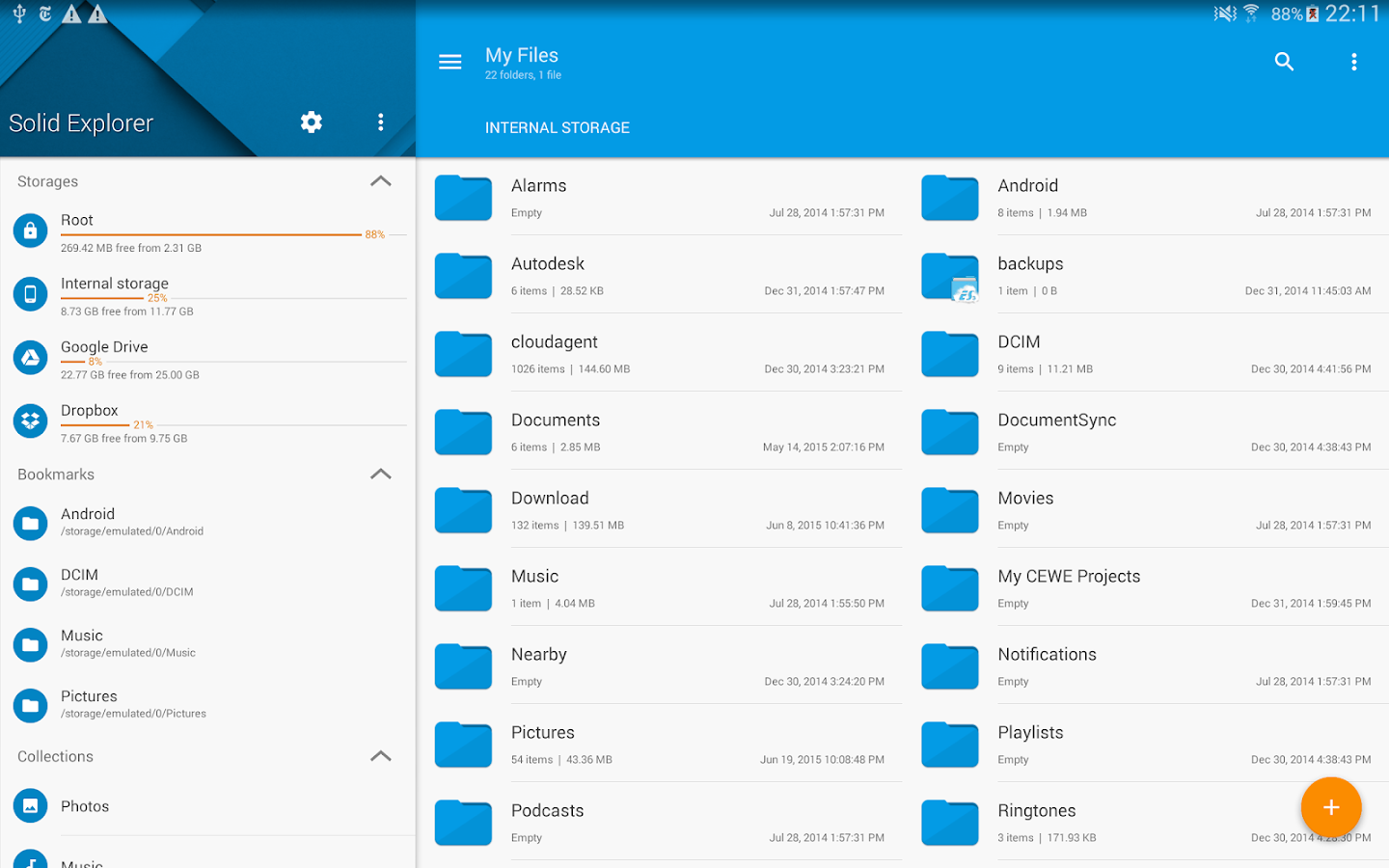
Why we suggest this -
This app contains rich customization options like: icons sets, color schemes, themes , ability to read and extract ZIP, 7ZIP, RAR and TAR archives even encrypted also. It is able to create password protected ZIP and 7ZIP archives.It has also able to acess - Dropbox, Box, OneDrive, Google Drive, Sugarsync, Copy, Mediafire, Owncloud, Yandex.It Contains detailed file information with storage usage statistics and useful tools like : hiding unwanted folders, FTP Server (plugin), bookmarks, Chromecast support, media browser.
"Download From PlayStore"
2. ES File Explorer 4.0.0 Beta
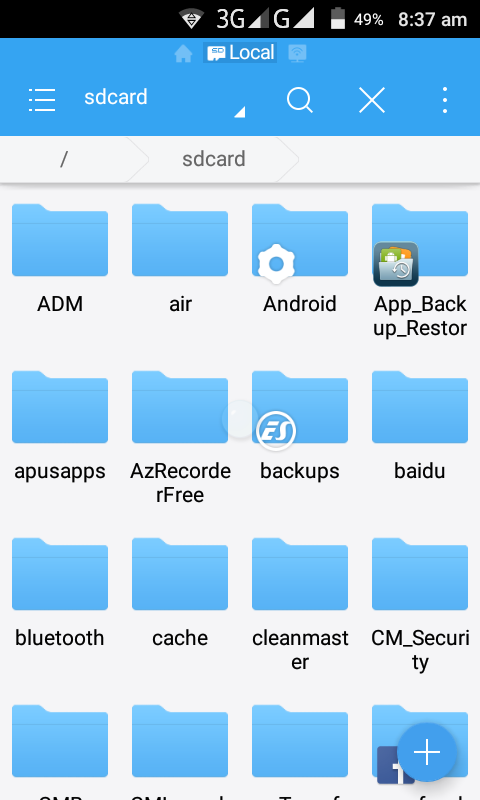
What Is Good About It -
The best part about ES File Explorer is, It completes the whole criteria of file manager which we want. You can manage your files just like you do on your desktop or laptop using Multiple Select, Cut/Copy/Paste, Move, Create, Delete, Rename, Search, Share, Send, Hide, Create Shortcut, and Bookmarks. All operations can be performed on local files (on your Android device). It can also manage files on FTP, FTPS, SFTP, and WebDAV.
What We Dont Like About It - After converting into MaterialDesign, still it has"Poor UI"
"Download Here"
3. Cabinet BETA

Highlights:
It has Fast, stable UI and it is easy to use as Minimal UI that adheres to Google's design guidelines also it has quick access to copy, cut, rename, delete, zip, extract, and details functions for files and directories.
"Download From PlayStore"
4. Amaze File Manager

Features :
The app is in better Developed UI and it is also able to extract rar, zip, 7z archives. This app works perfactly as file manager for Copy, cut and delete your files and documents and create zip, Afterall it is easy to use and we give 5 star for its Random Theme UI feature .
Don't Forget To Share This Post With Your Circle And Be Curious About Technology :)
4. Amaze File Manager
Features :
The app is in better Developed UI and it is also able to extract rar, zip, 7z archives. This app works perfactly as file manager for Copy, cut and delete your files and documents and create zip, Afterall it is easy to use and we give 5 star for its Random Theme UI feature .


